
On-Hold Message Solutions
Professional On-Hold Messages- With or Without Hardware
Voice Prompts makes it easy to create professional On-Hold Messages in minutes. This page is to help walk you through when hardware is needed - and when you can skip it entirely.
Good News- You Usually Do NOT Need Hardware if:
- You use a hosted or VoIP phone system that allows you to upload Messages On Hold directly.
- You already have a Message On-Hold unit that supports USB uploads of MP3 files.
Many popular hosted and VoIP phone systems support direct On-Hold Message uploads, including:





















If you use one of these systems, simply upload the MP3 files you create in Voice Prompts directly into your provider’s admin portal. No extra equipment needed.
SmartHold X1 equipment
SmartHold 1 is optional hardware and only required when no upload based option is available.
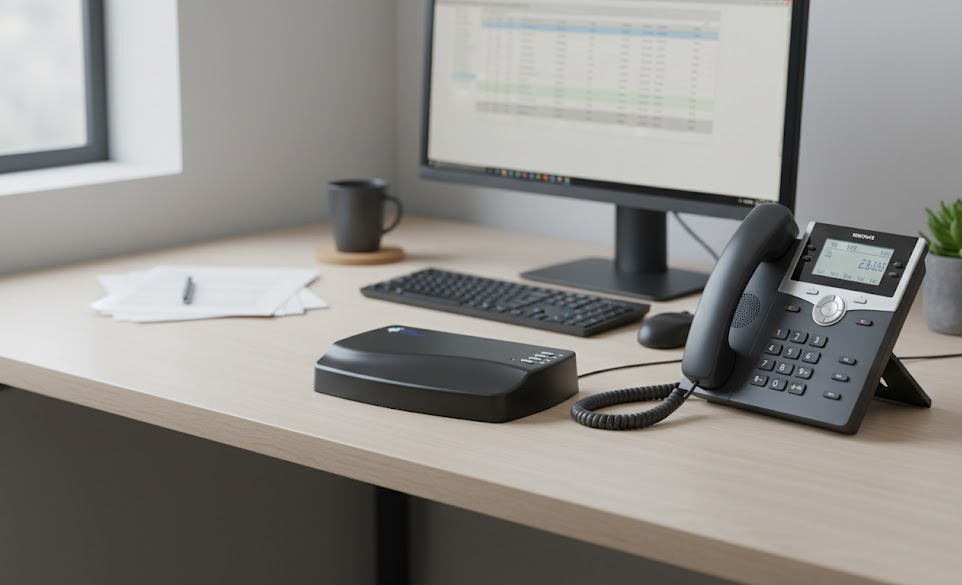
SmartHold 1 External Messages On Hold Player
SmartHold 1 is only required for certain on-premise or legacy phone systems that cannot accept uploaded audio files and do not already have a USB-compatible music-on-hold unit.
- 1Create your On-Hold Message in Voice Prompts
- 2Download the finished recording as MP3 files.
- 3Download the finished recording to the USB stick provided, then insert the USB stick into the SmartHold 1 unit.
- 4SmartHold 1 plays your On-Hold Messages through your phone system.
Key Details
- Plays MP3 files created in Voice Prompts
- Designed for compatible on-premise and legacy phone systems
- Compact, solid-state hardware with no moving parts
- Simple USB updates- no software required